Introduction:
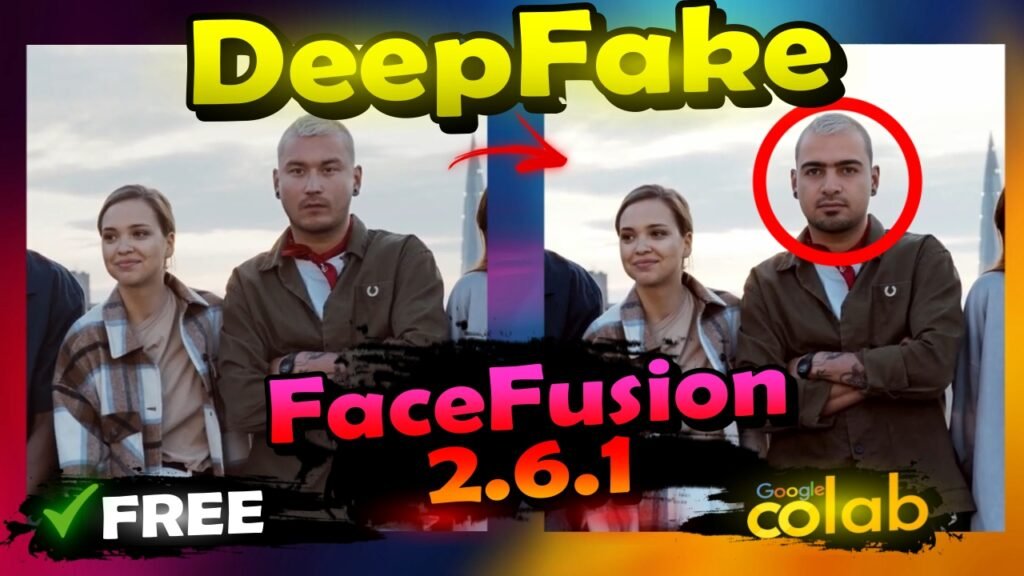
Looking to replace a specific face in videos or photos for free? In this updated tutorial, you’ll learn how to use FaceFusion 2.6.1 on Google Colab to swap faces in both videos and photos, even when there are multiple faces present. Discover how this powerful tool can help you achieve realistic face swaps without any cost. Follow our easy steps to get started with FaceFusion and enhance your media with seamless face replacements.
What You’ll Learn:
- Face Swapping in Videos and Photos: Learn how to replace specific faces in your media files using FaceFusion 2.6.1.
- Handling Multiple Faces: Discover how to manage face swaps even when dealing with images or videos containing more than one face.
- Using Google Colab for Free: Understand how to utilize Google Colab to run FaceFusion without any cost.
- Achieving Realistic Results: Follow our tutorial to create convincing face swaps and replacements in your media.
Watch YouTube Tutorial : Click Here
Links Used In Tutorial :
FaceFusion 2.6.1 Updated – Google Colab : Click Here
FaceFusion 2.5.2 Updated – Google Colab : Click Here
FaceFusion (old version 2.1.3) – Google Colab : Click Here
Why Use FaceFusion 2.6.1 and Google Colab?
FaceFusion 2.6.1 offers advanced capabilities for face swapping and is accessible for free through Google Colab. Its cloud-based environment allows you to perform complex edits without needing expensive software. By using this updated tool, you can achieve high-quality face replacements efficiently.
Conclusion:
Replacing faces in videos and photos is easy and cost-effective with FaceFusion 2.6.1 on Google Colab. This tutorial provides a comprehensive guide to using this tool for seamless face swaps, even in media with multiple faces. Start transforming your videos and photos today with this free and powerful solution!